Internet in Turkey — eSIM, SIM Card and Roaming. A Guide from Istanbul (2026)
-
 Michał Kowal
- 8 min read
- Guides
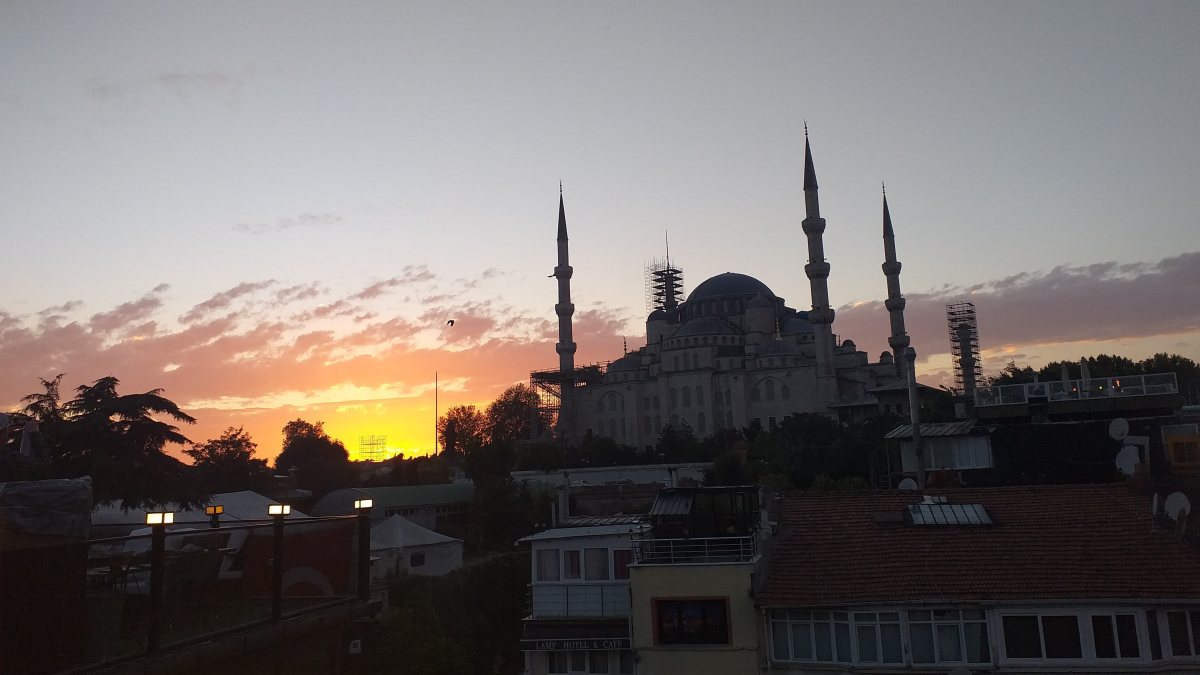
I landed in Istanbul in the late afternoon, and the first thing I saw from the hotel terrace was the silhouette of the Blue Mosque against the setting sun. The second thing I checked was the internet — and I was glad I'd sorted it before leaving home. Getting online in Turkey can catch you out, and not only on price. This guide pulls together everything I looked up before the trip: how to get cheap, reliable data, how much to take, how to set up your phone, and a few practical basics — from plug sockets to paying for things.
Internet in Turkey: the short answer
If you're short on time: the easiest and most reliable option is an eSIM that you buy and activate before you fly. Roaming is expensive because Turkey sits outside the EU, a local SIM card means showing your passport and registering in a shop, and — importantly — Turkey has blocked the websites of several eSIM providers, so buying one after you arrive can be difficult. Sort your connection out before you travel and the problem disappears.
Is Turkey in the EU? Why roaming costs a fortune
Roaming does work in Turkey, but the country is not a member of the European Union, so the "Roam Like at Home" rule you might rely on elsewhere in Europe simply doesn't apply. Once you switch roaming on, you pay your home network's international rates — and those can be brutal: data costs can climb fast, on top of a charge for every call and text. One app quietly refreshing in the background can be enough to ruin your bill. So when you land, turn off data roaming on your usual SIM and use an eSIM or a local card instead.
A quick note on geography: a small slice of Turkey does lie in Europe, on the western side of Istanbul. But the country isn't an EU member — and that's what decides what your phone costs.
eSIM vs SIM card vs roaming vs Wi-Fi in Turkey
Wondering which kind of internet to choose in Turkey? You have four realistic options. Here's how they compare in practice:
- eSIM (my pick) — a digital SIM you buy online and load onto your phone in a minute. You activate it when you land: no passport, no queue, and no need to remove your own SIM (just check that your phone supports eSIM first). It runs on Turkey's main networks, so coverage is strong. The only condition: buy it before you fly, because providers' sites can be blocked inside Turkey.
- Local SIM card — the cheapest way to get a lot of data, but every card is registered to your passport in an official store, which takes time. Prices at the airport and around hotels are often marked up, so buy in town if you can.
- Roaming — nothing to set up, but the most expensive option and the riskiest for your budget. Fine for the odd emergency text, not for daily use.
- Hotel Wi-Fi — free and often perfectly good, but it ties you to the building. For maps, translation and getting around the city, you still need data in your pocket.
I loaded a BlueSky eSIM for Turkey over my home Wi-Fi and was online before I'd even collected my suitcase. And if you ever need to open a blocked page once you're there, a trustworthy VPN will sort it.
Buy your Turkey eSIM before you fly
This is worth saying twice. Turkey has restricted access to the websites and apps of a number of eSIM providers, which means buying or activating one after you arrive can be hit and miss. Doing it at home, over Wi-Fi, sidesteps the whole issue — you turn up already connected. It's also worth keeping a reputable VPN installed before you go, in case you need to reach a blocked page later in the trip.
How much data do you need in Turkey?
It depends on how you travel:
- Light (maps, messaging, the occasional photo): 1–3 GB a week.
- Regular (social media, translation, bookings, some navigation): 5–10 GB.
- Heavy (remote work, lots of driving with sat-nav, streaming, tethering): 20 GB or an unlimited plan.
In a city like Istanbul, the biggest data drains are live maps — finding your way through the lanes of the old town — and photographing menus to translate them. If you're torn between two plan sizes, take the larger one: topping up locally can be awkward because of the blocks.
How to set up an eSIM in Turkey — step by step
The whole thing takes a few minutes:
- At home, on Wi-Fi, install the eSIM — scan the QR code from your confirmation email (Settings → Mobile data → Add eSIM; on iPhone it's Settings → Cellular → Add eSIM). There's a full step-by-step installation guide if you want it.
- Leave your own SIM in place — your number stays active for calls and texts.
- When you land, set the eSIM as your data line and turn on "data roaming" for that line (this is normal — it just lets the eSIM connect to a local network; there's nothing extra to pay, because your plan is already paid for).
- Turn off data roaming on your usual SIM so you can't run up charges by accident.
- That's it — you're online.
Turkey travel basics: plugs, money and timing
Power sockets and voltage
Turkey uses the round two-pin Type C/F plug — the same as most of continental Europe — running at 230V. If you're coming from the UK, the US, or anywhere with different sockets, pack a small travel adapter. It's also worth bringing a multi-port charger and a power bank: a full day of sightseeing with the map open drains a battery surprisingly fast.
Money and payments: can you use euros?
The currency is the Turkish lira. Cards work in most shops, restaurants and hotels. Euros and dollars are sometimes accepted at tourist spots, but usually at a poor rate, so it's better to pay in lira. Keep some cash on you for markets, taxis and tips. There are plenty of ATMs; use ones attached to banks, and always decline the offer to "pay in your home currency" (dynamic currency conversion), as you'll lose on the exchange.
The best time to visit Turkey
The most comfortable months are spring (April–May) and early autumn (September–October): warm, but without the peak heat and the biggest crowds. July and August can be very hot, especially on the coast.
The Istanbul your screen won't show
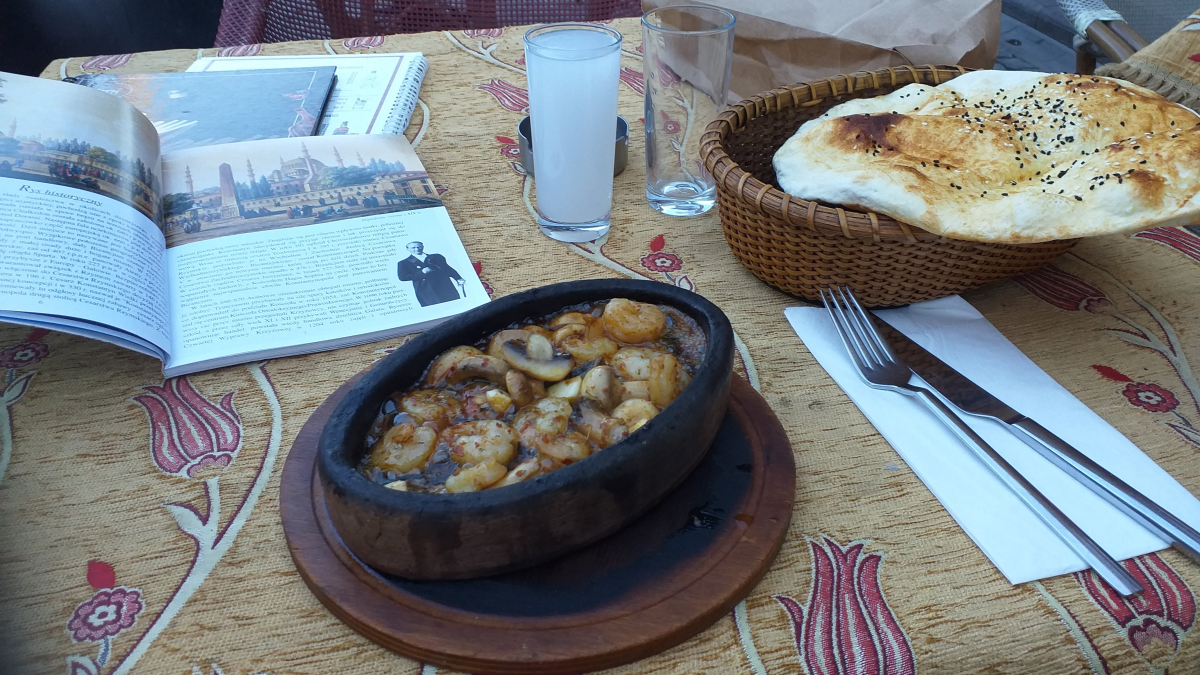
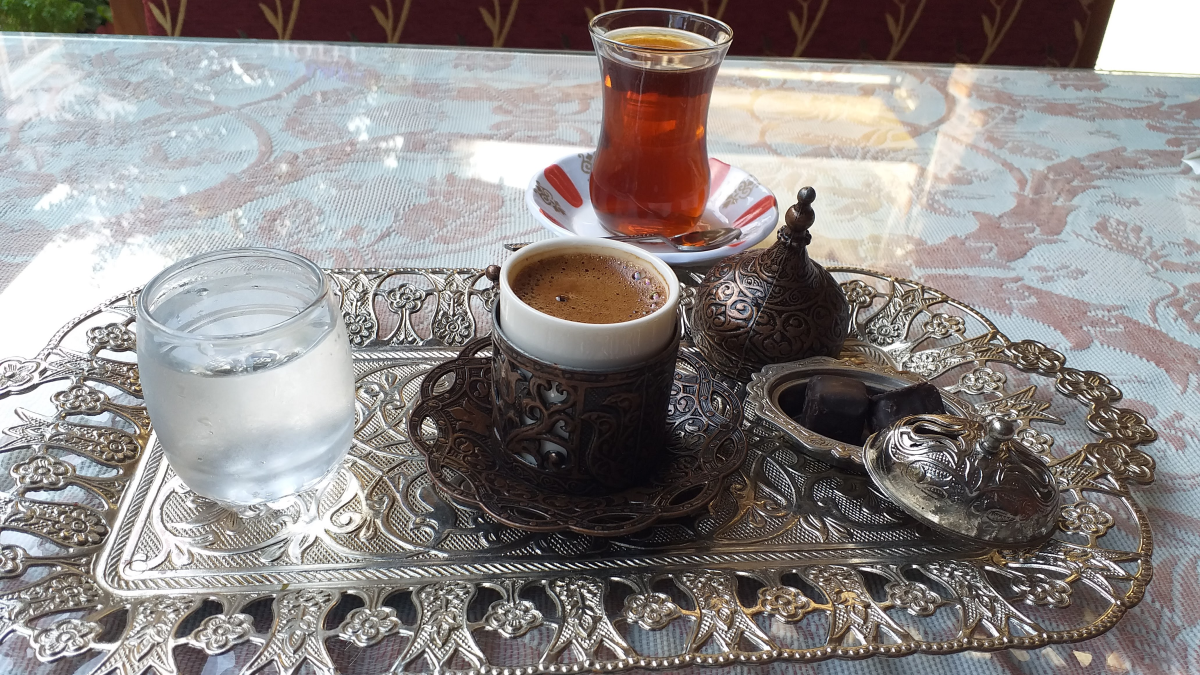
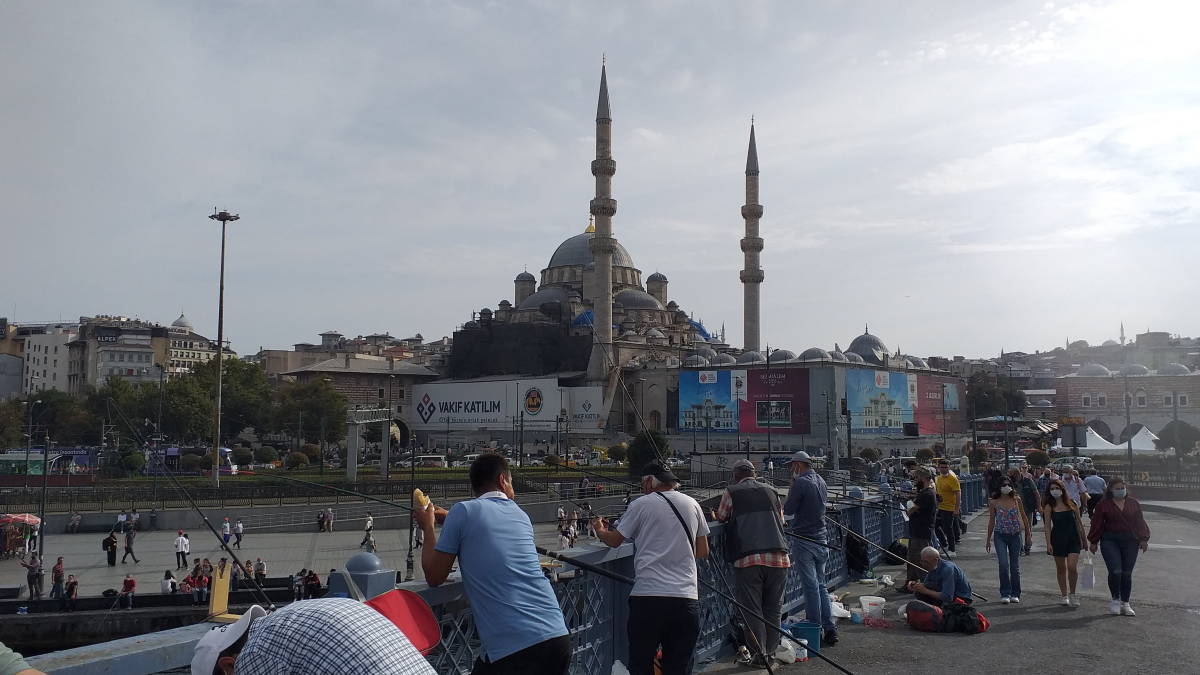
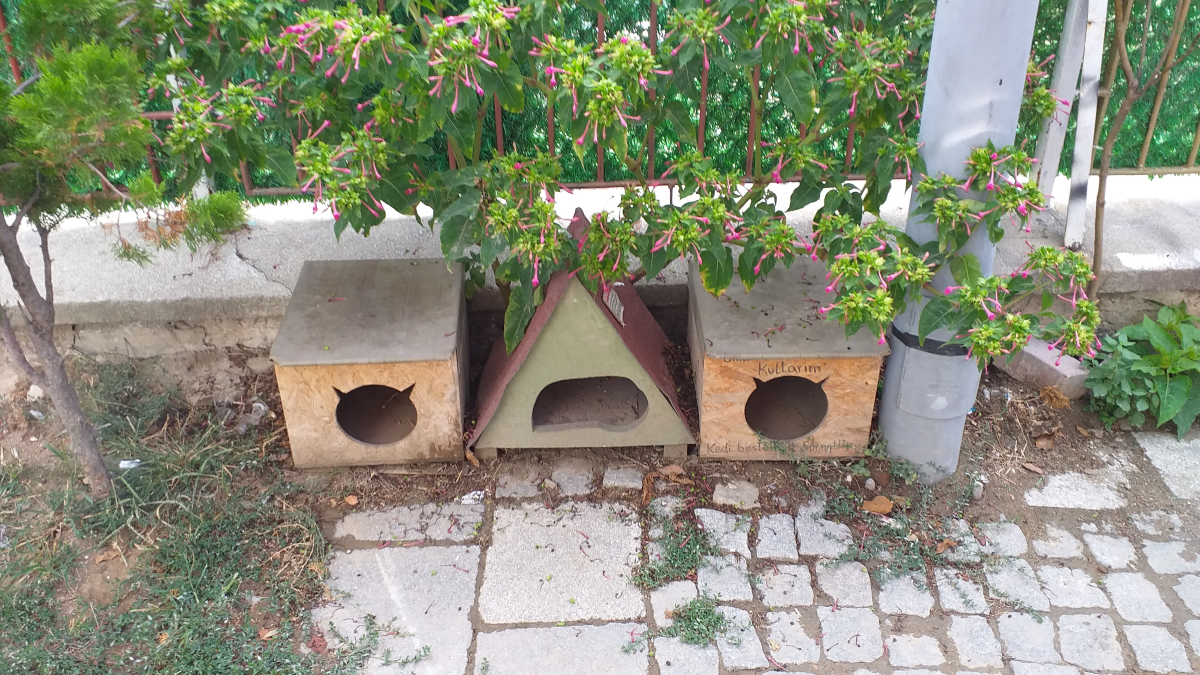
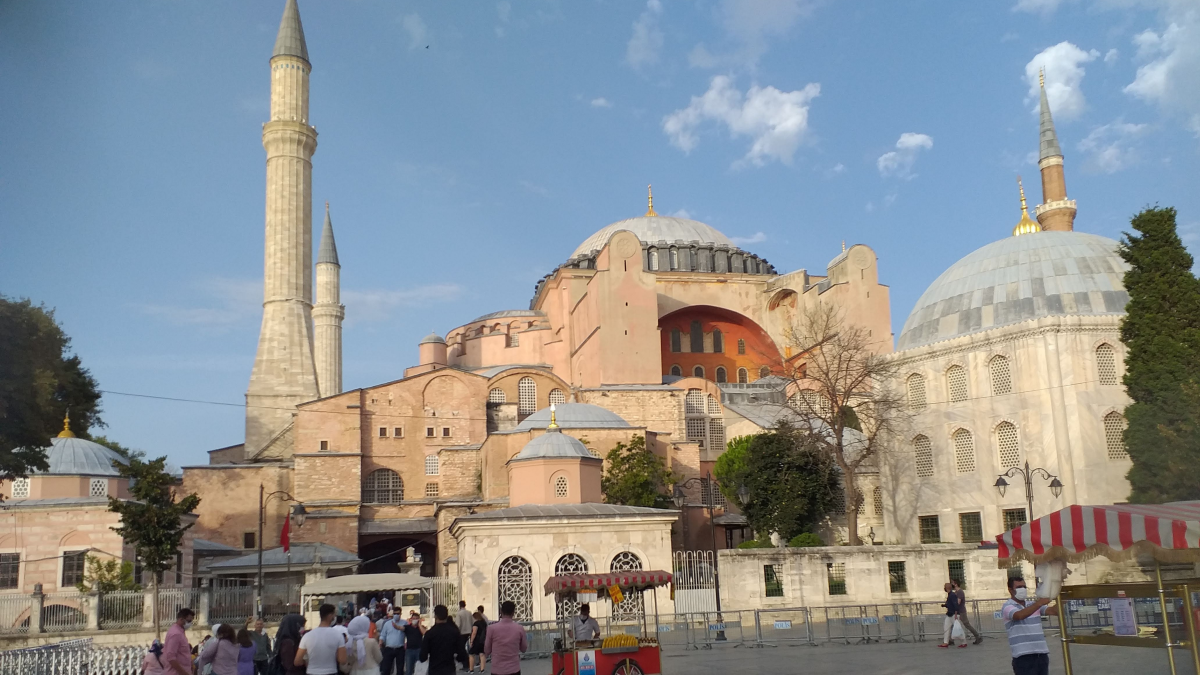
Istanbul stays with you. Sunset over the Blue Mosque and morning under the domes of the Hagia Sophia. A crossing of the Bosphorus — the strait that physically separates Europe from Asia, and that you cross in a matter of minutes, passing palaces and old fortresses. Evenings on the Galata Bridge, where dozens of anglers stand side by side with folding stools while, on the deck below, vendors fry the day's catch into a sandwich. I sat down among them, and it was there — not in any museum — that the city finally clicked. There was always tea too, served in a little tulip glass beside a thick Turkish coffee: here, that's not a drinks break, it's a way of life. And next to all that, it was a small thing I remember: the shelters and feeding stations for stray cats and dogs across the city. Istanbul looks after its animals like nowhere else I've been — the cats even stretch out on the mosque carpets. The internet helped me book a boat, find the right little restaurant and translate a menu — but the rest, Istanbul did on its own.